Log-in security is becoming increasingly important, so adding 2FA (along with long and complex passwords) provides an extra layer of protection for your account. Here’s how to set it up:
- Go to the Security section
- Click the button:

- Enter your password, if requested, and on the next page, under
Token-Based Authenticators, click the button:

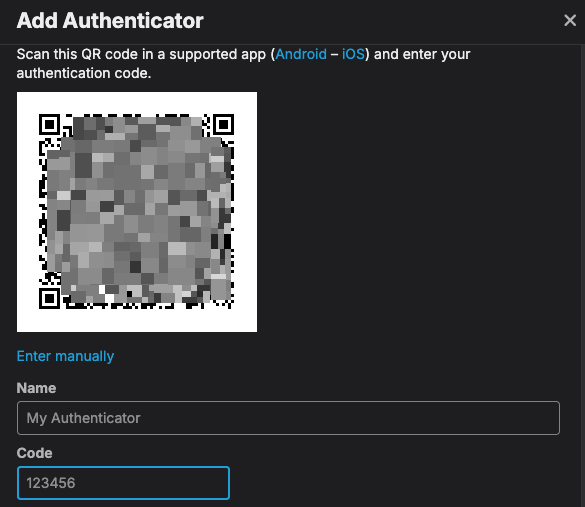
- Scan the code with your authenticator app, give it a name, enter the 6-digit code provided by the app, and click
Enable:
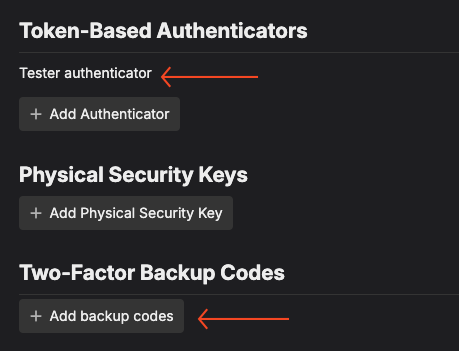
- If you don’t see the name you provided in step 4 under
Token-Based Authenticators, refresh the page. Click theAdd backup codesbutton:
- In the next pop up, click the button:

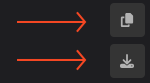
- In the second pop up, click one of the buttons to either copy the codes or download them. Save them in a safe place. These codes will help you recover your account if needed.
DO NOT click the
Regeneratebutton.
- Close the window. You’re now more protected than ever!